Timesheets that fill themselves in.
Hours come straight from check-in and check-out at each site. No paper sheets, no texts, no Sunday spent adding up.
What you get
- Hours worked each day, per cleaner
- Site by site breakdown
- Flags for missed check-outs
- CSV export for payroll
Screens show example data. Sprux is launching soon.
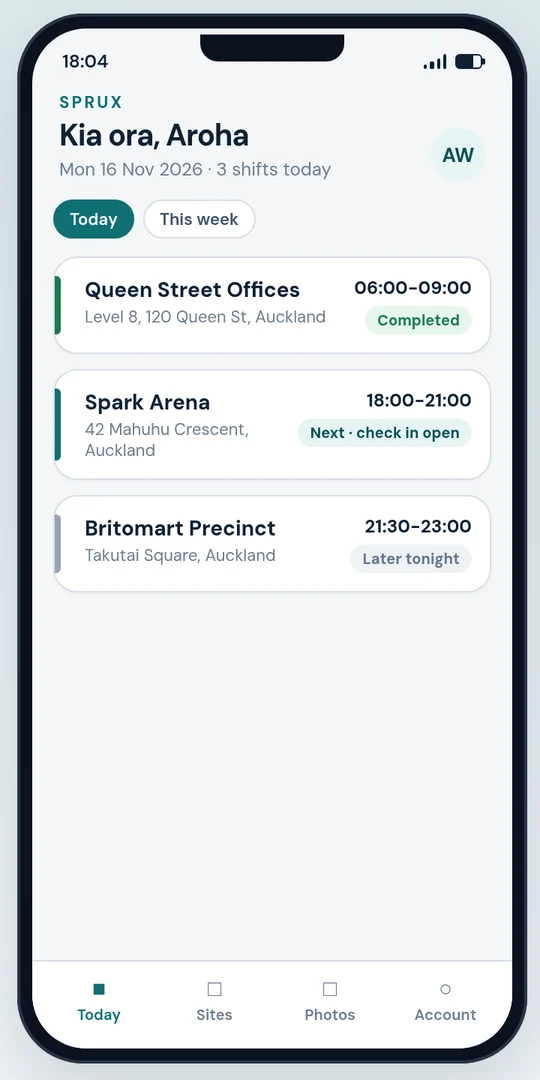
How timesheets works
Hours from real check-ins
Each shift's hours are worked out from the check-in and check-out at the site. Where a cleaner forgets to check out, the shift is flagged for a manager to fix.
By cleaner, by site, by week
See hours per cleaner per day, and per site, so you can compare hours against what each contract allows.
Export for payroll
Download the week as a CSV for your payroll system or accountant. Your payroll provider still does the pay calculations.
Records you can keep
In New Zealand employers must keep wage and time records for 6 years. Sprux keeps shift records so you can produce them when an employee or a Labour Inspector asks. This is general information, not legal advice.
Other features
GPS check-in
Know your cleaners arrived at the right site, at the right time, without tracking them all night.
Learn more →Photo proof
When a client says the job wasn't done, show them. Stamped photos and a simple report, ready in a minute.
Learn more →Owner dashboard
Stop ringing round at 9pm. See who's on site, who's late and which jobs are finished, from your phone or laptop.
Learn more →See Sprux on your own sites
A 20-minute call on Google Meet. We'll show the cleaner app and the owner dashboard, and talk through your sites and shifts. No obligation.